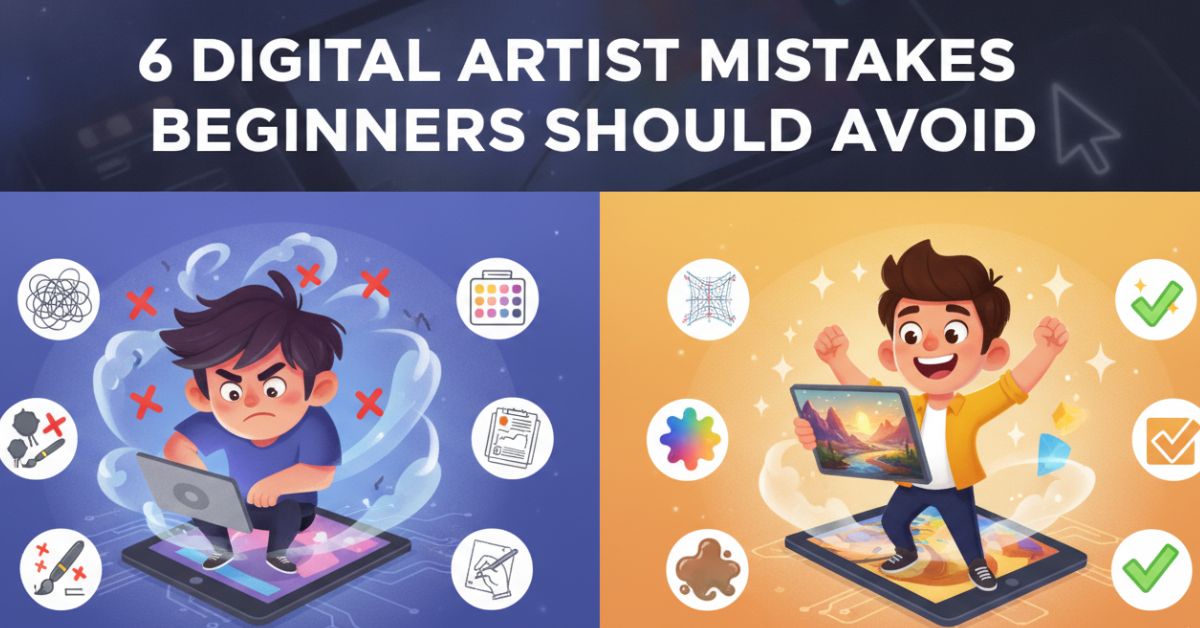
Learning digital art is rarely a straight path. Most artists expect challenges with anatomy, perspective, or color, but many of the obstacles that slow progress have nothing to do with technical skill. Small habits can quietly affect how efficiently you learn, how confident you feel, and how much you enjoy the process.
Some of these habits seem helpful at first. Others develop so gradually that you may not notice them until months later. Recognizing them early can save time and make practice far more productive.
Common Digital Art Mistakes That Hold Beginners Back
Every artist develops their own workflow over time, but certain habits tend to create the same problems for beginners. The mistakes below are common because they often feel harmless in the moment. Looking closer at them can help you avoid frustration and build stronger foundations.
The Search for Better Brushes Never Ends
Beginners waste many hours trying out different brushes, downloading materials, and modifying program settings. That is perfectly fine until the search begins to consume much more time than practice.
Great artwork often stands upon skills, not tricks with software. Skills such as perspective, lightings, and composition affect the end result much more significantly than any brushes pack could ever do. Those who master these skills know how to create impressive artworks using nothing but basic digital artist tools.
When Layers Start Working Against You
Layers are meant to make projects easier to manage. Ironically, they can create the opposite effect when there are too many of them.
A file filled with unnamed layers often becomes difficult to navigate. Small edits take longer, mistakes become harder to track, and returning to an older project can feel confusing. Among the most common digital art problems, poor organization is one that many artists only notice after it begins slowing them down.
Creating folders and naming important layers may not feel creative, but it removes unnecessary friction from the drawing process.
Rushing Past the Planning Stage
The excitement of starting a new illustration can make sketching feel like a delay. Many beginners want to reach the polished stage as quickly as possible, so they jump straight into line art or rendering.
The issue is that sketches act as a testing ground. They can assist uncover composition flaws, uncomfortable proportions, and weak concepts before too much time has been invested. Often, critical decisions get decided on a basic sketch.
Artists who regularly skip this stage usually spend more time fixing problems later than they would have spent planning at the beginning.
Every Imperfect Line Doesn’t Need to Disappear
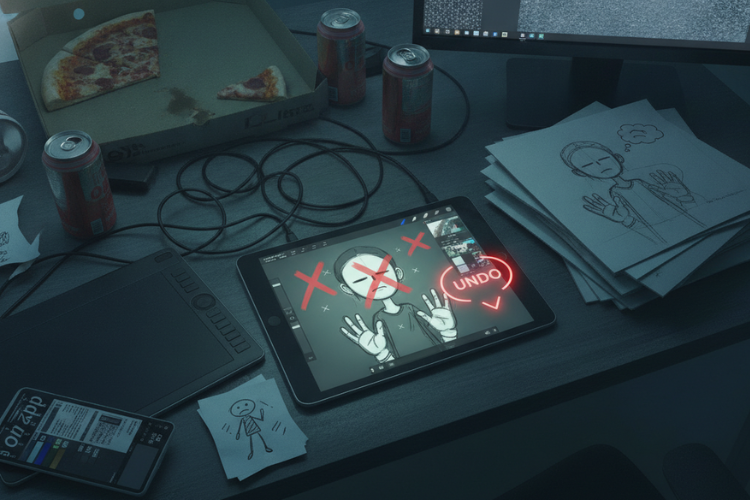
Digital software makes it easy to correct mistakes instantly. One shortcut key can remove a line before you even have time to think about it.
While convenient, this habit can interfere with learning. Constantly undoing strokes shifts attention toward perfection rather than observation. Some of the most useful lessons come from studying mistakes and understanding why they happened.
This is one of the digital drawing mistakes to avoid because improvement often comes from analysis rather than correction alone.
Social Media Can Distort Progress
Scrolling through artwork online can be inspiring, but it can also create unrealistic expectations. Many artists compare their early sketches to finished pieces created by professionals who have spent years developing their skills.
A surprising number of digital artists’ mistakes begin with comparison rather than drawing itself. The focus shifts away from personal growth and toward measuring success against someone else’s timeline.
Progress becomes easier to recognize when you compare current work to artwork you created months ago. That comparison reflects your own journey rather than someone else’s.
Motivation Is Not a Reliable Practice Plan
Many beginners wait until they feel inspired to draw. The problem is that inspiration comes and goes.
Artists who depend entirely on motivation often practice in short bursts followed by long breaks. This makes learning less consistent and can create the impression that progress has stalled.
One of the most common Digital Art Beginner Mistakes is assuming improvement requires huge amounts of time. In reality, shorter and more regular practice sessions are often easier to maintain and more effective over the long term.
Turning Mistakes Into Better Habits

Finding these behaviors in your own workflow is not a reason to get disheartened. Most artists face several of them in the course of learning.
The goal is not to eliminate every weakness immediately. Instead, focus on one adjustment at a time. Small changes tend to last longer and feel more manageable than complete overhauls.
Many beginner digital art mistakes become easier to fix once they are clearly identified. Awareness is often the first step toward improvement.
What Consistent Growth Usually Looks Like?
Improvement is never a dramatic leap. It generally comes through modest adjustments that add up over time. A clearer workflow, stronger sketching, greater organization and regular practice may not seem noteworthy on their own, but they can change the way you work when combined.
Artists who eventually sell work through a digital art marketplace often discover that these habits become just as valuable as technical skills. Good habits support creativity because they reduce distractions and make the creative process easier to manage.
Common digital art problems do not disappear overnight, but steady effort usually produces noticeable results over time.
Conclusion
Most digital artists’ mistakes are not caused by a lack of talent. They come from habits that develop naturally while learning. The encouraging part is that habits can be changed.
Whether the issue is skipping sketches, relying too heavily on undo, or practicing inconsistently, small adjustments can make a meaningful difference. The same is true for many Digital Art Beginner Mistakes that nearly every artist experiences at some stage. Growth becomes easier when attention shifts away from shortcuts and toward steady practice. Keep learning, keep experimenting, and allow yourself room to improve one step at a time.
As your skills develop, you may eventually want to share your work beyond personal projects. Some artists create commissions, while others explore platforms where they can showcase and sell their creations. Craftsy Bytes is one example of a digital art marketplace where artists can upload digital products and connect with people interested in creative work. While building strong fundamentals should always come first, having a place to display your artwork can become a natural next step as your confidence grows.
FAQs
What are the most frequent mistakes made by beginners in digital art?
Frequent mistakes consist of missing sketching, depending too much on undo functions, lack of knowledge on fundamentals, and inconsistent training.
Is expensive software necessary for improvement?
No, good drawing skills will play a bigger part than the software and tools one uses.
How often do I have to practice my digital art?
In general, practicing frequently in short periods is better than practicing occasionally in long periods.
Why aren’t I progressing as fast as expected?
Because many artists tend to prioritize tools over fundamentals or lack of consistent practice.