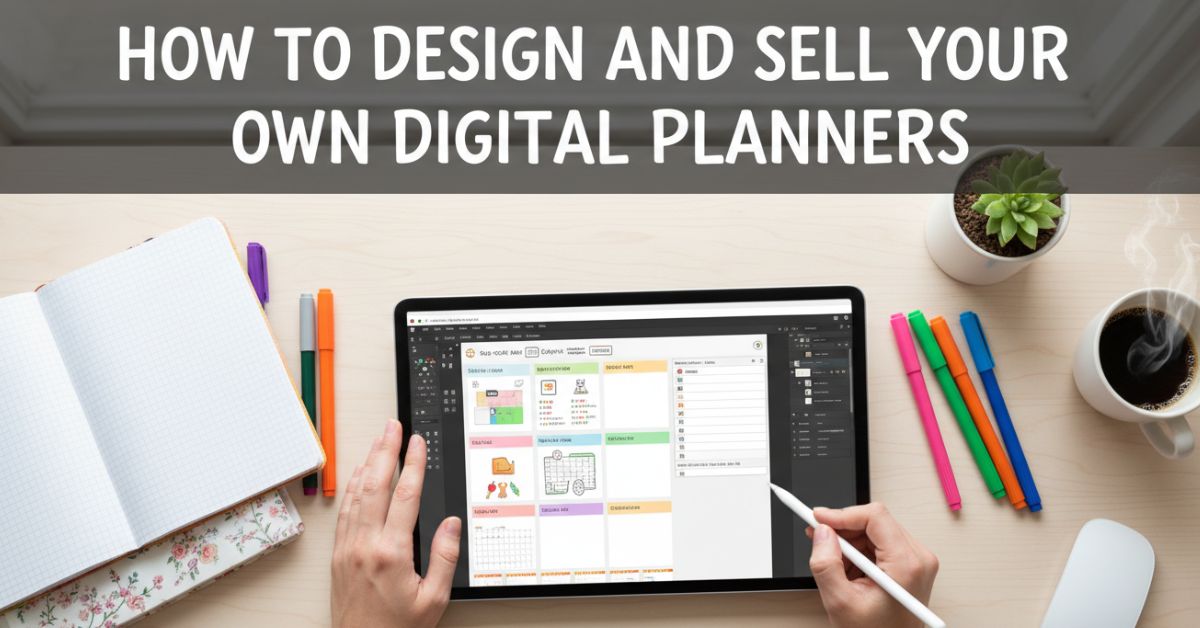
Starting an online income stream can feel confusing, especially when you do not know where to begin. One of the easiest ways to start is to create a digital planner to sell and turn your creativity into something profitable.
Digital planners are in demand because people want simple tools to organize their daily lives. The best part is that you only need to create it once, and you can sell it many times. In this guide, you will learn how to design, improve, and sell your planner step by step in a simple way.
Why Are Digital Planners a Smart Online Product?
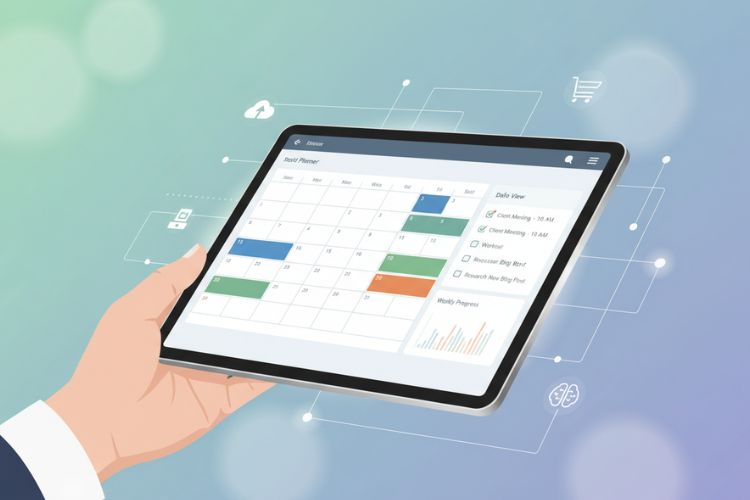
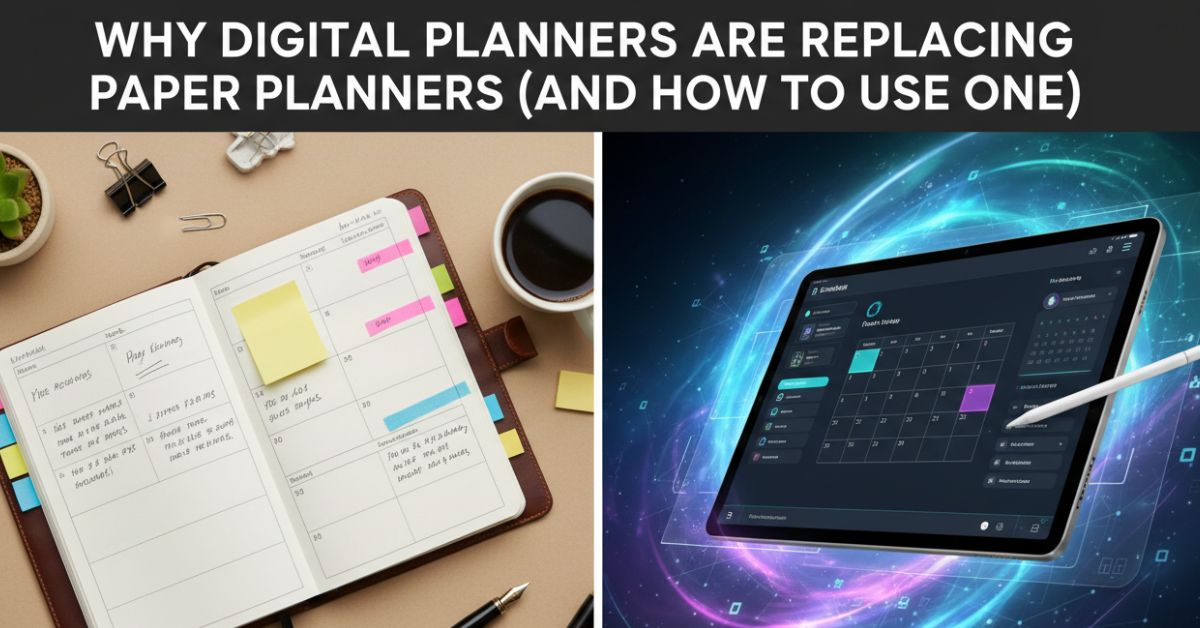
Digital planners are popular because they are practical and easy to use. People use them for productivity, budgeting, journaling, and goal setting.
Here is why they are a great option:
- No shipping or inventory needed
- Low startup cost
- Easy to update and improve
- Can generate passive income
If you are looking for a side income, this is one of the simplest ways to make money selling digital planners from home.
What You Need Before You Start Designing?
Before you begin, you need the right tools and a clear idea.
You can use beginner-friendly tools like:
- Canva for easy drag-and-drop design
- PowerPoint for simple layouts
- Adobe Illustrator, if you want advanced control
If you are exploring a digital planner for beginners, start with Canva because it is simple and quick to learn. Also, think about your audience. Are you creating for students, mothers, or business owners? This will guide your design choices.
Simple Steps to Create a Digital Planner to Sell
Creating your first planner does not have to be complicated. Follow these steps to to design your first planner.
1. Choose a Clear Niche
Pick a specific type of planner instead of making a general one.
Examples include:
- Daily productivity planner
- Fitness tracker
- Budget planner
- Study planner
A focused niche makes it easier to create and sell digital planners that people actually want.
2. Plan Your Pages
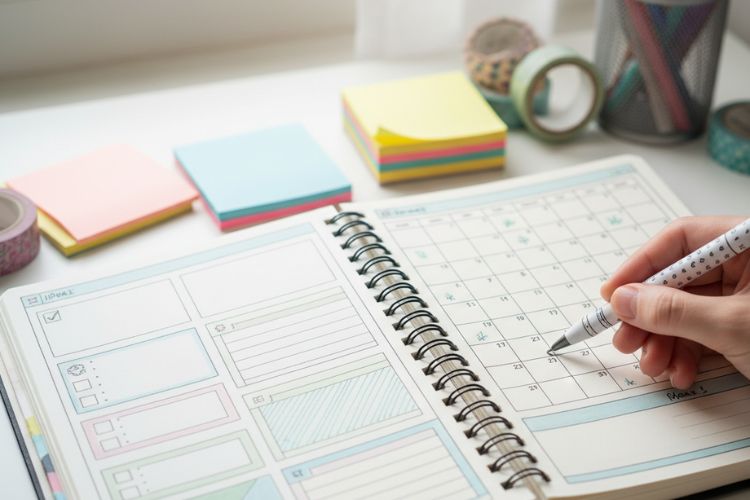
Think about what your planner should include.
Common pages are:
- Daily and weekly layouts
- Goal-setting pages
- Habit trackers
- Notes sections
Planning first saves time and keeps your design organized.
3. Start Designing
Now begin creating your planner in your chosen tool.
Keep these things in mind:
- Use simple and clean layouts
- Choose soft and readable colors
- Select clear fonts
You can also add creative elements like digital planner art to make your product look more attractive and unique.
4. Export and Test Your File
Once your design is ready, export it as a PDF and test it on apps like GoodNotes.
Check that:
- All pages are aligned
- Links work properly
- Text is easy to read
This step is important to ensure your final product is ready to create a digital planner to sell successfully.
How to Turn Your Planner Into a Sellable Product?
Design alone is not enough. To successfully sell your planner, you need to present it in a way that immediately catches attention and builds trust. A clean and professional product preview helps buyers understand what they are getting, while a clear and simple description explains how the planner will improve their daily routine. Instead of just listing features, focus on benefits so customers can see the value it brings to their lives.
At the same time, using the right keywords in your title and description helps your planner appear in search results. This increases your chances of getting more views and sales. When you combine a strong presentation with smart keyword use, you begin to understand how to make and sell planners that not only look good but also perform well in the market.
Platforms Where You Can Start Selling
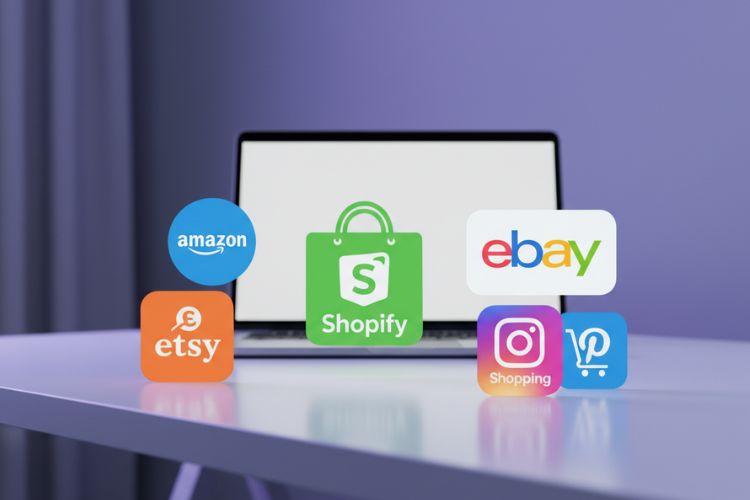
There are several platforms where you can begin.
Popular options include:
- Etsy
- Gumroad
- Shopify
- Personal website
If you are just starting, Etsy is a great choice because it already has buyers. It is also beginner-friendly when learning how to sell digital planners online.
Ways to Improve Your Planner and Attract Buyers
To grow your sales, you need to improve your product over time.
Try these ideas:
- Offer different color themes
- Add extra pages or bonuses
- Create matching sticker packs
- Use customer feedback to improve
Small improvements can make a big difference when you create and sell digital planners consistently.
Beginner Mistakes That Can Slow You Down
Many people give up early because of simple mistakes that can easily be avoided. Overcomplicating the design often makes the planner harder to use, while ignoring user experience can leave buyers frustrated. Another common issue is not testing the planner before selling, which can lead to broken links or layout problems.
Taking time to fix these small but important issues can make a big difference. When your planner is simple, functional, and properly optimized with keywords, it becomes easier to build trust with buyers. This is how you can confidently create a digital planner to sell that people actually enjoy using and are willing to purchase.
Turning Your Planner Into a Passive Income Source
Turning your planner into a passive income source starts with consistent marketing. Once your planner is ready, your main focus should be getting it in front of the right audience and building visibility over time.
Here are some simple ways to grow:
- Share your planner on Pinterest to reach people searching for ideas
- Create short videos on Instagram to showcase your design and features
- Optimize your product listing with keywords to improve search visibility
- Build a small audience that trusts your content and recommendations
With time and consistency, you can learn how to sell digital planners and gradually grow your income in a steady and reliable way.
Final Thoughts
Learning how to create a digital planner to sell is one of the easiest ways to start an online business today. You do not need advanced skills or a big budget to begin. What matters most is taking action and improving as you go.
Start with a simple design, focus on your audience, and keep learning. As your experience grows, your confidence and income will grow too.
FAQs
What is a digital planner?
A digital planner is a PDF or app-based planner that users can write on using devices like tablets or iPads. It helps with organizing tasks, goals, and daily activities without using paper.
How can I create a digital planner to sell to beginners?
You can create a digital planner to sell by using simple tools like Canva or PowerPoint. Start with a basic layout, choose a niche, design your pages, and export the file as a PDF.
Where can I sell my digital planners online?
You can sell digital planners on platforms like Etsy, Gumroad, Shopify, or your own website. Etsy is especially popular for beginners because it already has a large audience.